
Kontrol
A shortcut in every corner.
Rest a finger in a corner, then slide another to change the volume, brightness and more. Set it up how you like, straight from your menu bar.
Hold a corner. Make your move.
Give each corner a job.
Choose from volume, display brightness, keyboard backlight, Spaces, tabs, undo and redo, music tracks, zoom and arrow keys.
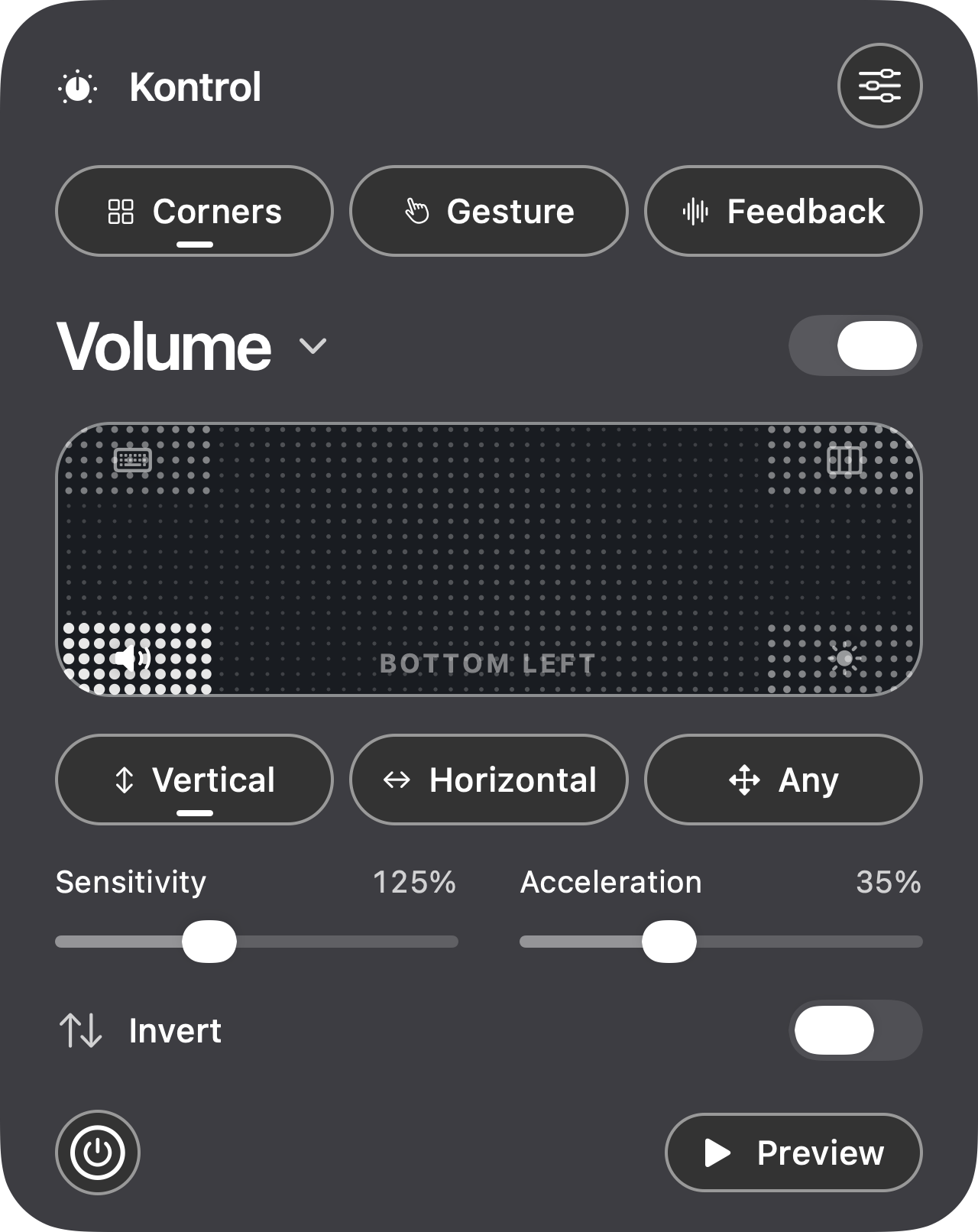
Keep it close.
Pick an action for each corner, then choose the direction and sensitivity that suit you.
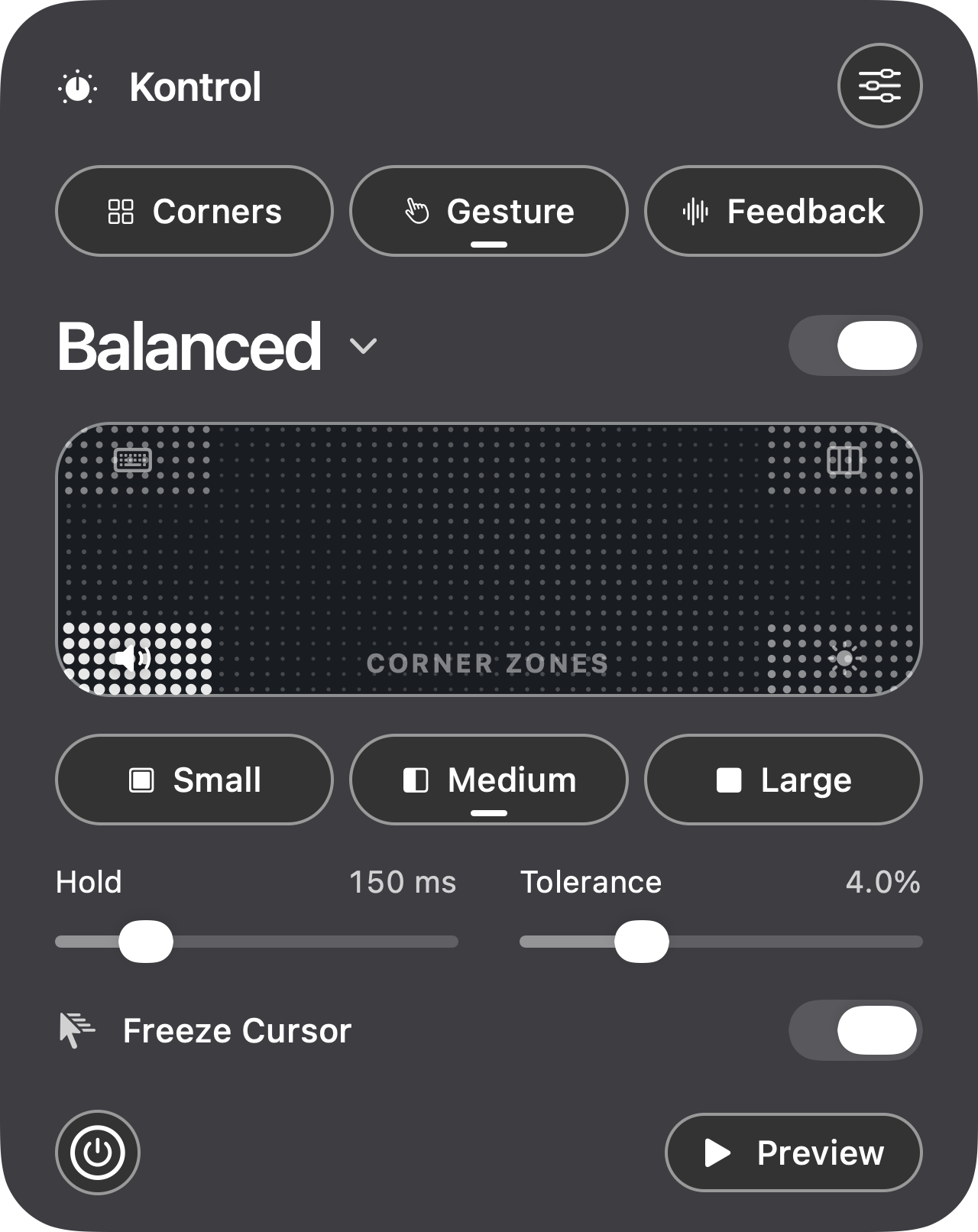
Make it feel right.
Tune the corner size and how long a finger rests before Kontrol responds.
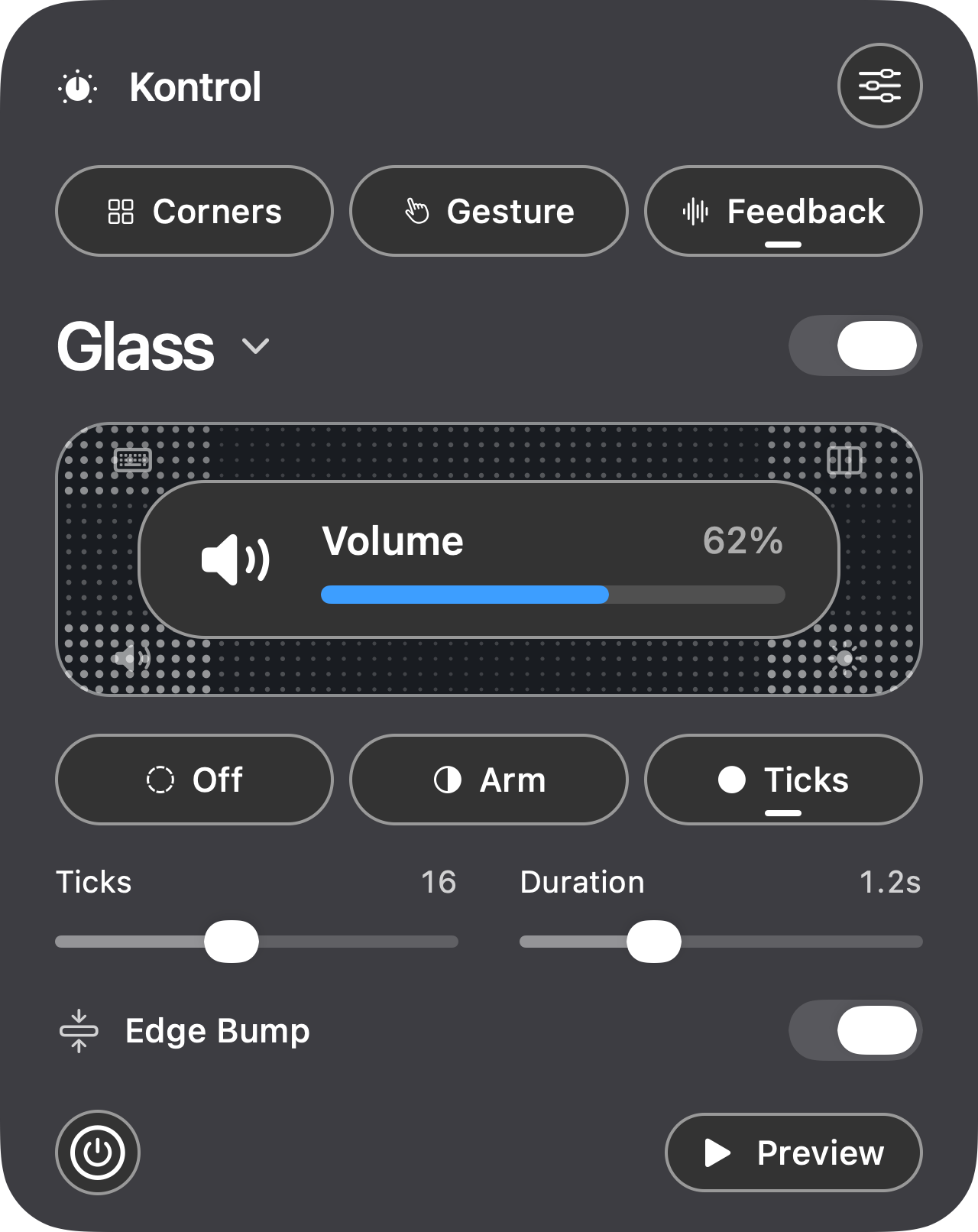
Know where you are.
Follow each change with an on-screen display and, on trackpads that support it, a gentle haptic tick.
What you’ll need.
macOS 26 or later and a built-in or external trackpad. Kontrol asks for Accessibility access so it can hold the cursor still and send key presses. Brightness and keyboard backlight controls depend on your Mac.
Offline by design.
Activate once with your license key. Your preferences stay on your Mac, with no background license checks or usage analytics.