Find your headspace.
Keep work in one Space and the rest of life in another. Give each its own colour, name and icon. Switch with a swipe or a shortcut, and pick up exactly where you left off.
 anti
Make yourself
at home on the web.
Your work, your rabbit holes, your next big idea. Give them a little room. Browse brings thoughtful organisation, real privacy and a browser you can make your own. And it’s free.
A public macOS beta is planned before 22 December 2026. The screenshots below are from the real Mac development build. iPhone, Windows and Android are planned to follow.
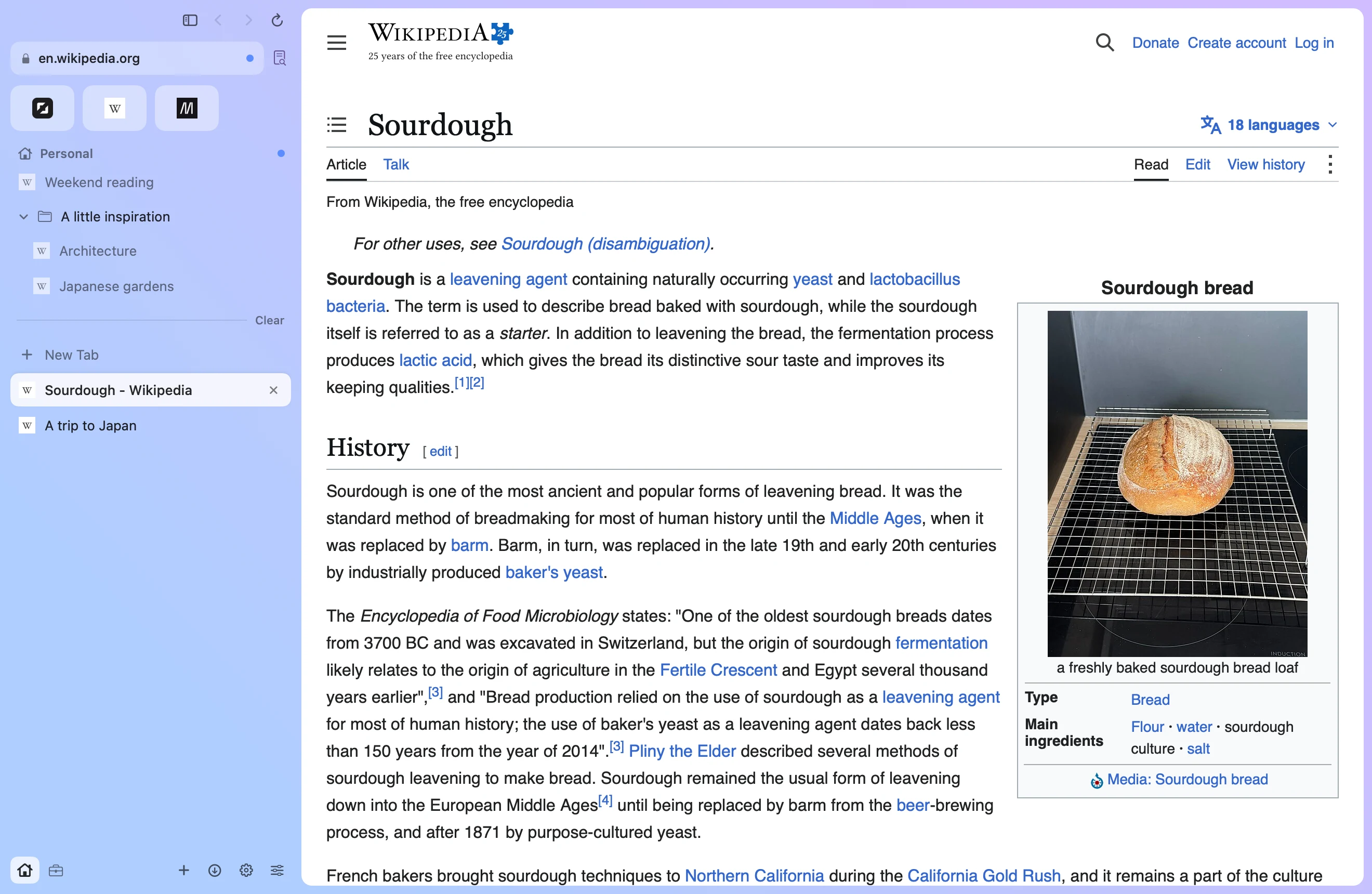
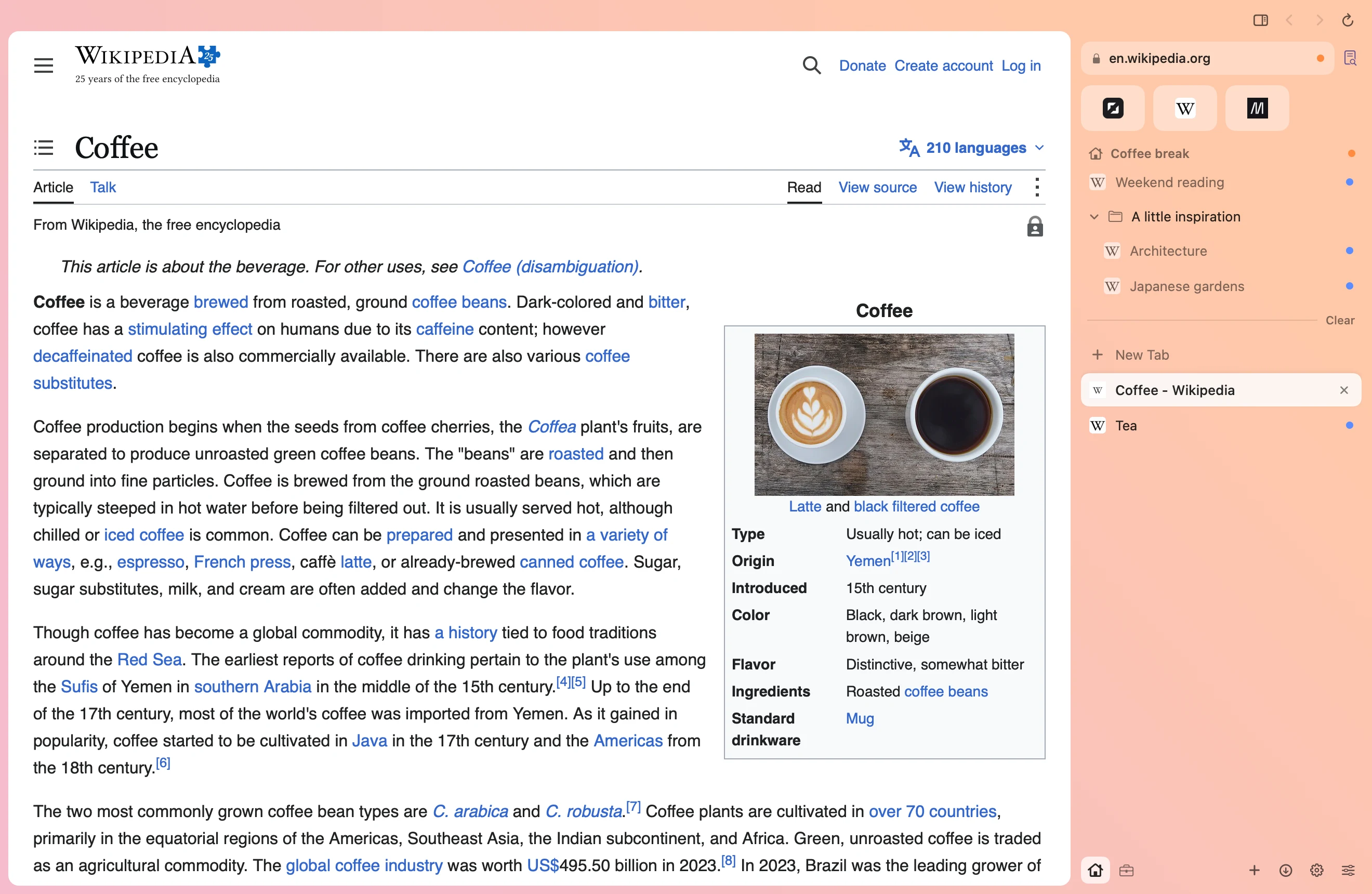
Keep work in one Space and the rest of life in another. Give each its own colour, name and icon. Switch with a swipe or a shortcut, and pick up exactly where you left off.
Put daily favourites within reach. Pin the pages you come back to, organise projects in nested folders, and drag tabs into the order that makes sense to you.
Today tabs are for the things you’re doing now. Set them to archive after a few hours or a few days, or keep them open. Archived tabs stay searchable when you need them again.
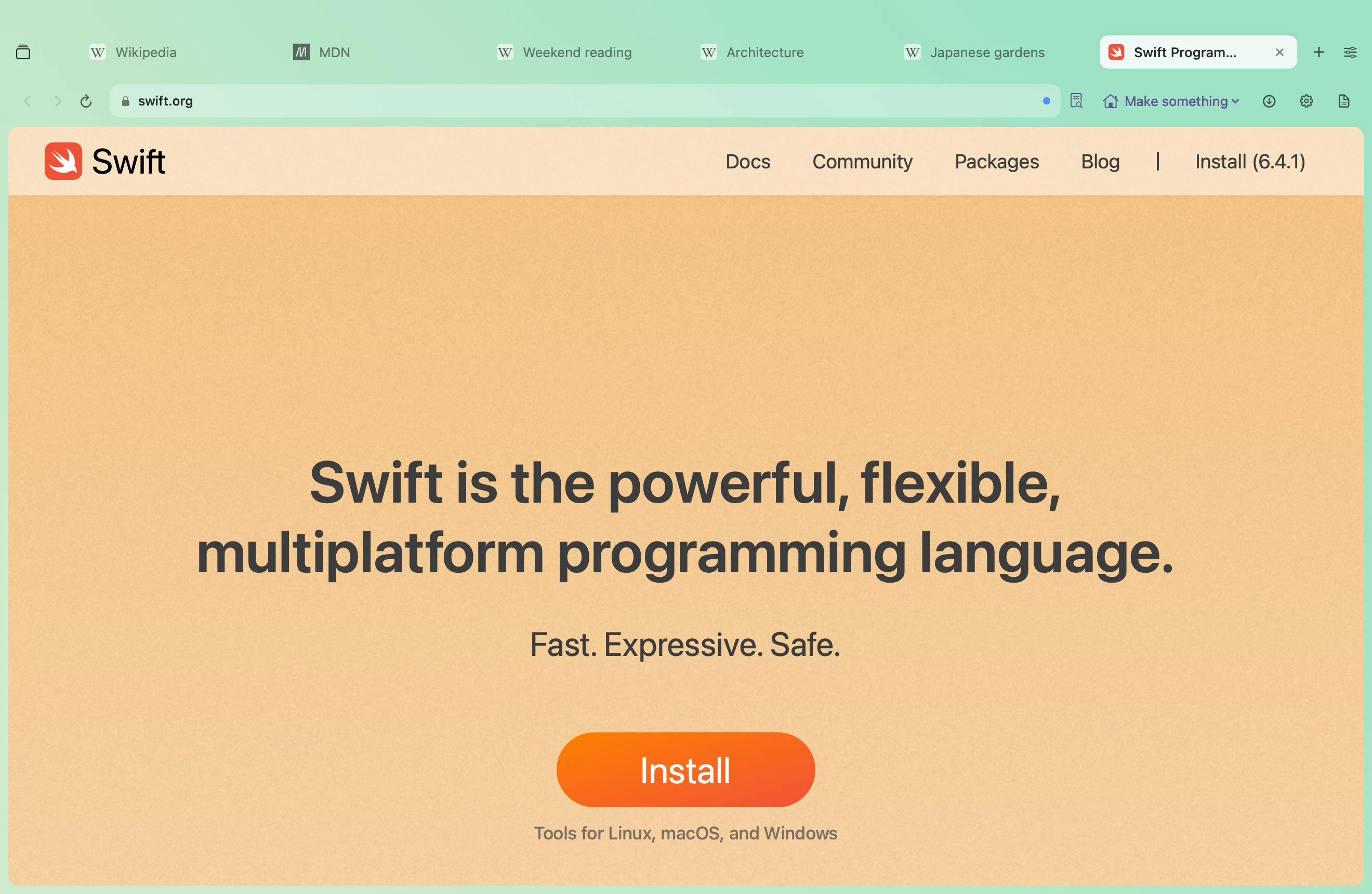
Love a sidebar? Put it on either side. Prefer your tabs across the top, or your controls along the bottom? That works too. Move buttons, hide what you don’t use, and give your favourite tools a proper home.
Build a theme for every Space with your own colours and gradients. Choose glass, a frosted finish or a clean, flat look. Import and export themes to keep a favourite or share it with someone else.
Bring two, three or four pages together in split view. Compare your options, follow a tutorial or keep a reference beside your work without juggling windows.
Shift-click a link to preview it over your page. Keep it if it’s useful; close it if it isn’t. Little Browse gives links from other apps their own small window, so a quick detour can stay quick.
Search the web, jump to an open tab, find something in your history or run a command from one keyboard-friendly bar. Link rules can send a particular site or an app’s links straight to the right Space and container.
Reader pulls out the words and gives them room to breathe, with adjustable text size and find on page. The original page stays there for when you’re ready to return.
Find a phrase, reopen a closed tab, check your downloads or pause a noisy page. Camera and microphone permissions are yours to manage for each site and container.
Bring over Arc spaces, pinned tabs, nested folders, favourites and profiles. Browse also imports from Chrome, Firefox, Zen, LibreWolf and Floorp, or a bookmarks HTML file. You’ll sign back into websites once.
Your work account and personal account can live side by side. Containers keep their cookies, sign-ins and website storage separate, so switching accounts doesn’t mean signing out.
Choose a container for a whole Space or a single tab. Give each its own proxy connection if you need a different route, and clear one container’s data without disturbing the others.
Browse blocks ads and trackers, strips tracking tags from links and upgrades connections to HTTPS where possible. Turn blocking off for a site when you need to.
Your browsing history stays on your Mac. No telemetry, no selling your browsing data, and no ANTI account needed for everyday browsing. Privacy is part of the free browser.
Make a command that tidies your tabs. Add a panel for a project. Put a useful widget right in your browser bar. Browse’s native Python extensions let you shape the browser around the things you actually do.
Start with a working example and make it your own. The Mac developer preview includes commands, panels, widgets, page styling and permission controls.
Explore plugins & Python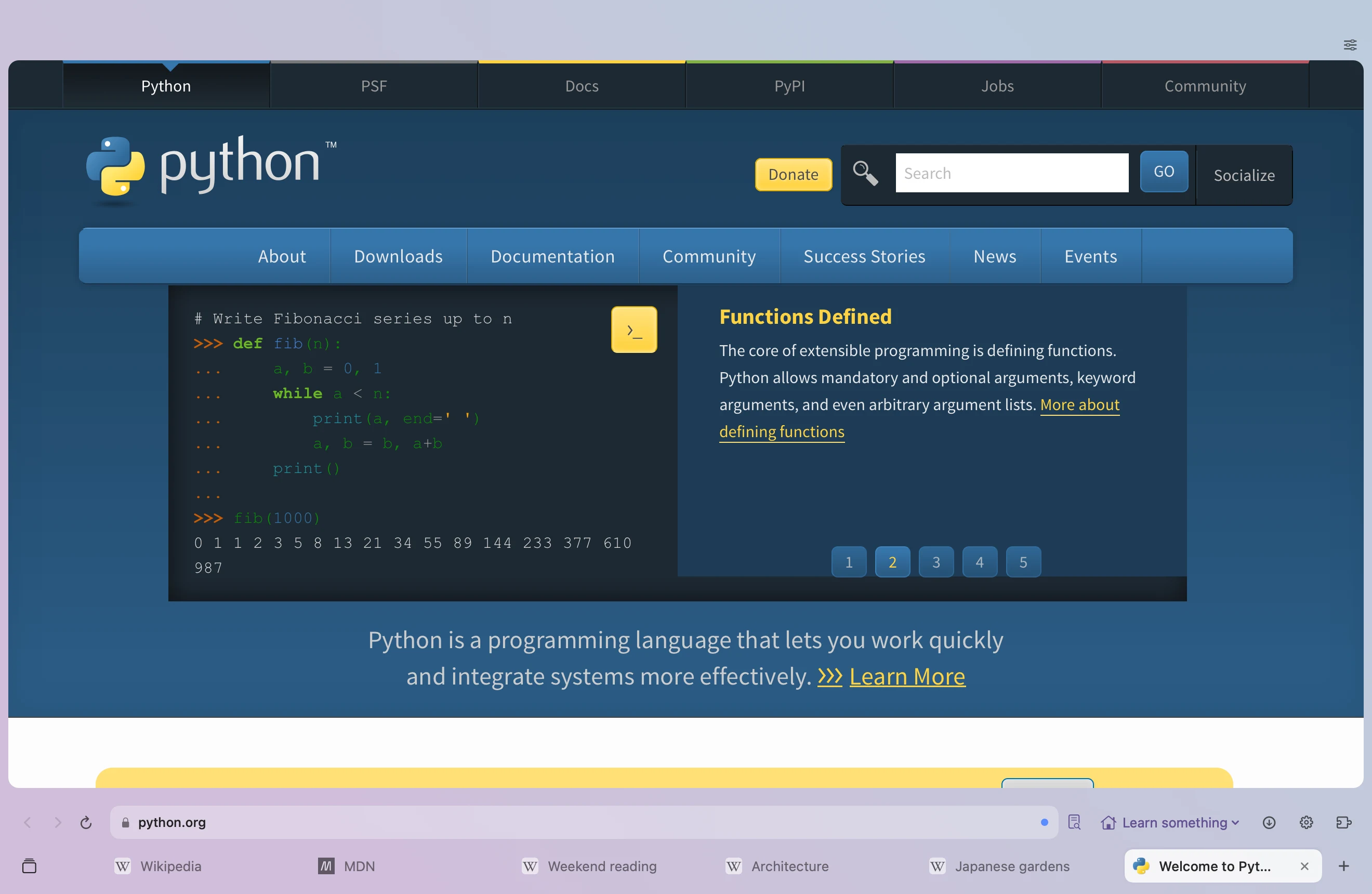
Connect an AI app you already use through Browse’s built-in MCP support. Let it read a page or, with your permission, navigate, click and type to help with a task.
It starts switched off. You choose which apps can connect and whether they can only read or also act. New AI tabs use a separate container by default; activity is visible and you can stop access. Your connected AI provider’s own data policies still apply.
All the browsing features on this page are free. Spaces, containers, themes, split view, ad blocking, imports, Python extensions and connecting your own AI app. No subscription needed to make yourself at home.
The browser, with all the everyday features described above. No account required.
If you love what we’re making and want to help it grow, our optional memberships are a way to support independent development. You can simply use Browse for free, too. We’re glad you’re here.
A monthly way to say “keep going” and help us keep improving Browse.
Monthly or yearly support for what comes next. An optional VPN service is planned for Browse+; it isn’t available yet.
A one-time way to back Browse early, planned to include lifetime Supporter membership and one year of Browse+.
Memberships are optional. The planned VPN is a separate service; you don’t need it for any of the browsing features above. Cross-device encrypted sync is also in development and isn’t available in the current preview.
Memberships are not on sale yet. Prices will appear here when they open. Join the waitlist for beta and launch updates.
Get the first word